I Spent Weeks Researching NAS Devices. Then I Just Installed TrueNAS.
70 messages, $3,000 in my cart, and weeks of comparing QNAP vs Synology. Then I remembered I was already building a server.
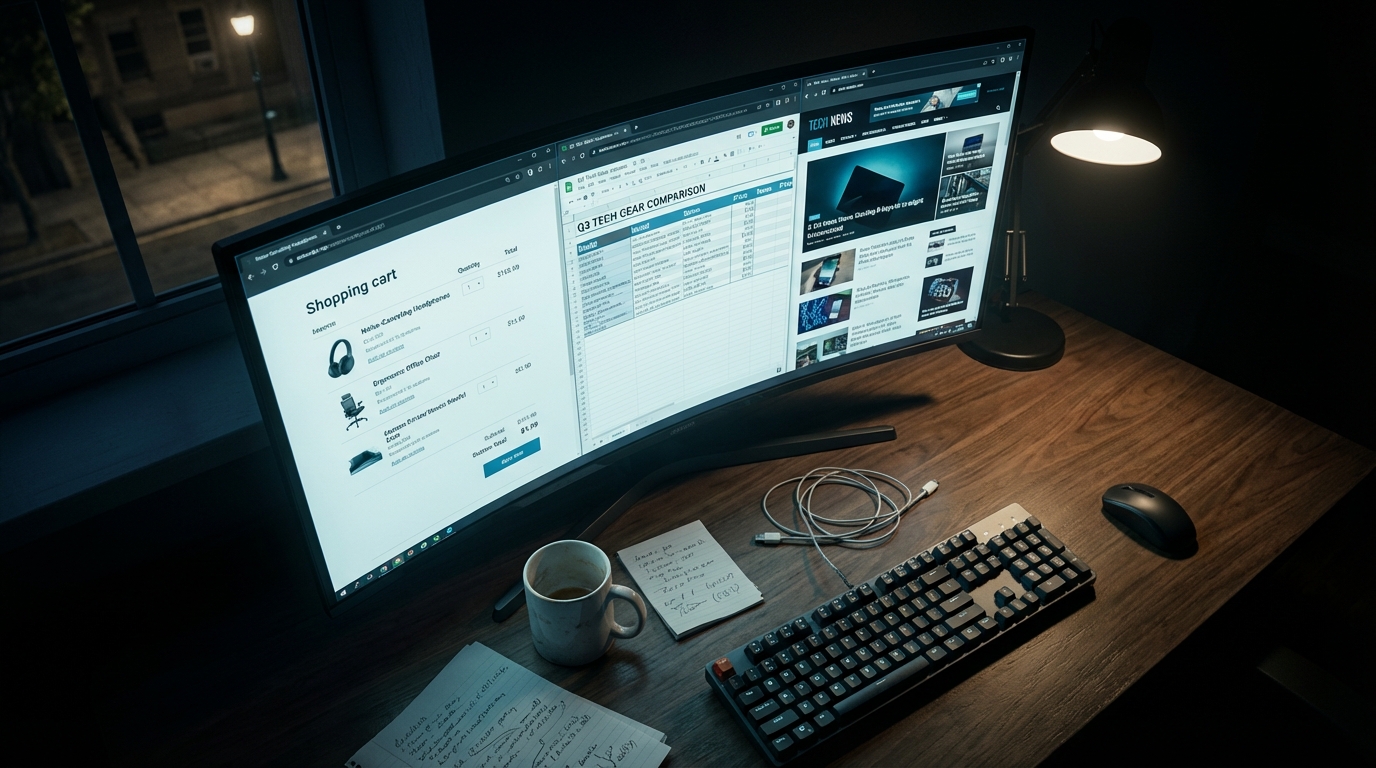
I had $3,000 in my shopping cart after seventy Discord messages, I spent weeks comparing QNAP TS-473A with other options from Synology, building feature matrices and calculating CPU resource allocation until I realized that I was going to spend a huge amount of money on backup equipment to copy the server I'd already built. This is the whole story and why I decided that NAS appliances might not be what you really need.
The Rabbit Hole
between QNAP or Synology? is a question that I need to study in detail because I want to use both virtual machines (VMs), Docker containers, Plex streaming and automatic data backup. The main thing is to be reliable, scalable and efficient enough for real use. So I did some research and the clear winner was QNAP TS-473A, which uses AMD Ryzen Embedded V1500B, 4 cores, 8 threads, and supports up to 64GB ECC RAM up to a maximum of 64GB with dual PCIe slots and dual M.2 NVMe slots, which can handle everything I need. I also planned out my hardware costs, including Seagate Exos 18TB drives, Kingston NVMe, Samsung SSDs, and 64GB of ECC RAM. I mapped out my RAID 5 migration paths and even confirmed the Ryzen processor could run quantized LLMs.
My finger was on the checkout button. Then I stopped.
The Moment
One thing I remember exactly is the existence of HYDRA09, I wrote about building that rack server at the beginning of that year, it was a machine running Ryzen 9 7950X, 64GB DDR5 RAM, 32TB of storage space, a proper rack case which was built to handle heavy computing tasks specifically what I planned to do was to use it as NAS by letting HYDRA09 run Docker, run VMs and make backups (which has since been upgraded to 192GB DDR5 and an RTX PRO 6000 Max-Q) then what will QNAP do? It would have become a $3,000 backup device doing the same job as the hardware I was already building, which didn't feel right.
The Pivot
I stopped comparing appliances and started asking clearer questions.
What did I actually need?
- ZFS for data integrity and snapshots
- SMB/NFS shares for my devices
- Docker for services
- VM capability for isolation
What didn't I need?
- Proprietary OS (QTS or DSM)
- A separate vendor ecosystem to learn
- Additional hardware drawing power 24/7
- $3,000 spent duplicating what I was building
The answer hit me: I had been optimizing the wrong variable. I was comparing NAS appliances when I should have been asking if I needed an appliance at all.
TrueNAS SCALE does everything I want:
- ZFS with checksums, snapshots, and scrubbing
- SMB/NFS file sharing built-in
- Docker support and KVM VMs
- Web UI for management
- Completely free and open source
I can install it on HYDRA09 directly, or run it in a VM, or even dedicate an old PC to it later, no checkout, no closed system, and no proprietary system, so
What I Actually Needed
I had confused the tool with the problem.
A NAS appliance is just storage plus network plus services. You can build that with any hardware. The question "Which NAS should I buy?" assumes the answer is "buy a NAS." But that is a circular assumption.
What I actually needed:
- Dependable storage - ZFS handles this
- Network shares - SMB/NFS handles this
- Containerized services - Docker handle this
- ** A management interface** - TrueNAS handles this
The QNAP would have worked fine. But it would have been redundant the moment HYDRA09 came online. I would have owned two systems doing the same job.
If You're NAS Shopping
Before you add that appliance to your cart, ask yourself this one question:
Do I already have hardware that could do this?
An old PC with a few drive bays can run TrueNAS. A Raspberry Pi can run OpenMediaVault. A VM on your existing server can host Samba shares. A dedicated homelab server can sure do it.
NAS appliances are convenient. They are not inevitable.
The Real Lesson
Research seems to have progressed a lot, all the way up to building spreadsheets, detailed comparisons, reading reviews, up to adding items to the cart, all this seems like progress, but in fact I haven't progressed anywhere, I was procrastinating, dressed up as due diligence. The answer was always right in front of me: use what you are already building. I stuck with comparisons until I forgot to consider the hardware already sitting in my roadmap. QNAP and Synology did a good job. If I hadn't had HYDRA09 in the development phase, I would have used QTS. Now I am running infrastructure on HYDRA09 that a NAS appliance wasn't even designed for, and I saved money on backup hardware that would have been useless once my real host was online. I simply forgot to ask that question while I was overwhelmed by spreadsheets.
Who Should Buy a NAS Appliance
If you don't have any hardware already and want something that works right away without having to learn about Linux or Docker, as well as wanting something that works without having to worry about the manufacturer's system, this is an interesting option. They are legitimate choices. Both QTS and DSM are efficient options, but they're not the only options available. But they are not the default choice. If the next time you're deciding to buy a NAS, ask yourself, what hardware do I already have? and what can it do? This answer could save you a lot of money and make it easier to set up a homelab, which saved me up to three thousand dollars and didn't have to be tied to a system from a manufacturer I didn't want either.