Getting Started with NVIDIA NeMo RL + LLM
A practical guide to teaching LLMs to learn from feedback using NVIDIA NeMo RL - no PhD required.
This post is part of my ongoing journey into AI ethics and LLM training. See my first post for context on why I'm exploring this space.
Someone posted a job wanting RL experience to optimize a tree classifier. My first thought: that's catastrophically over-engineered. My second thought: I don't actually know enough about RL to be sure.
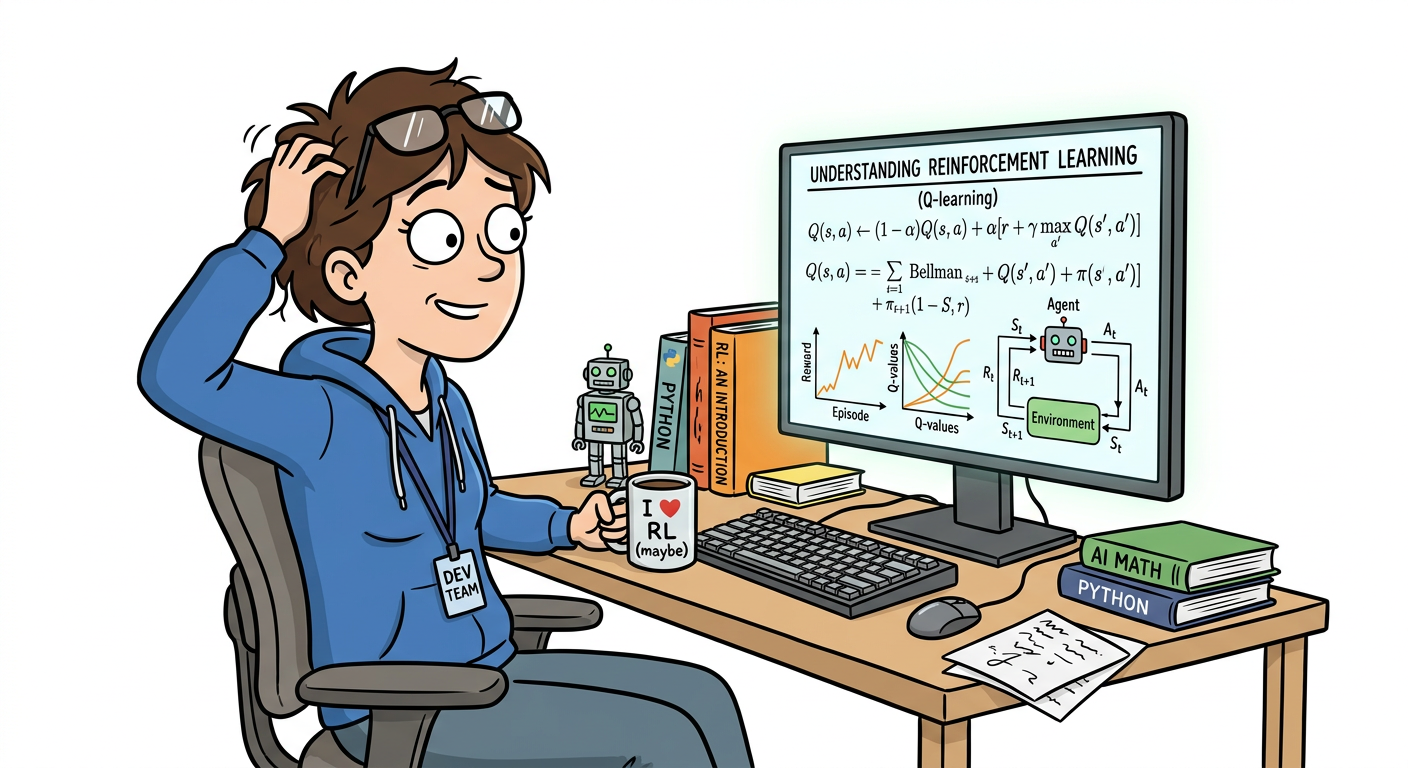
So I spent two weeks finding out. I dove into NVIDIA NeMo RL -- their toolkit for training LLMs using reinforcement learning. This post is what I wish I'd had when I started: a practical, no-fluff guide to getting started with RL + LLMs without a PhD.
What is RL + LLM? (And Why Should You Care?)
If you're fine-tuned an LLM, you're doing supervised fine-tuning (SFT) by giving the model input-output pairs so that it learns to mimic them, which is a simple and effective way but there are limitations The problem: SFT teaches the model to repeat what's in the training data but it doesn't teach the model how to use reason, prefer certain outputs or improving through feedback Reinforcement Learning from Human Feedback (RLHF) will come in and solve this problem instead of just copying the sample This kind of model will learn from preferences
- "This response is better than that one"
- "This code is more effective"
- "This explanation is clearer"
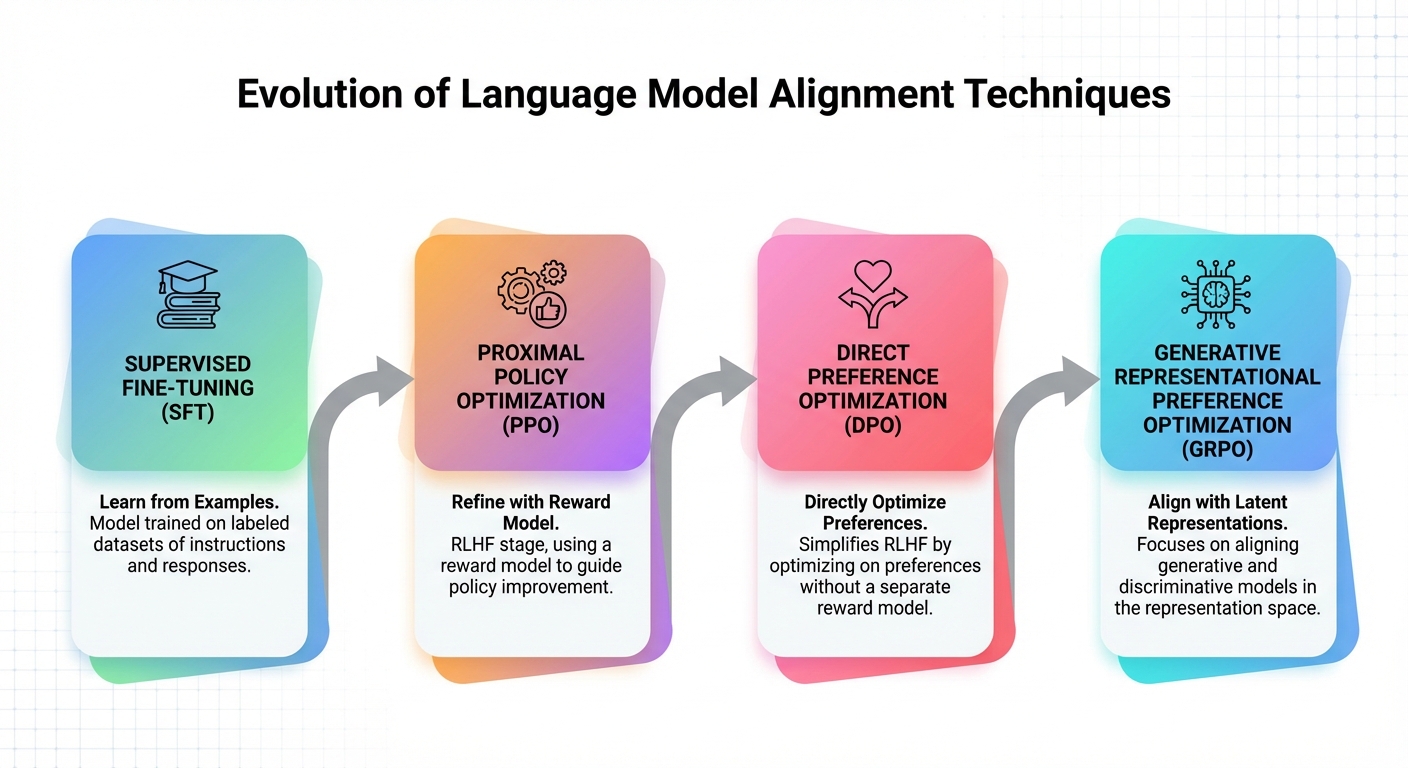
NVIDIA NeMo RL is a toolkit that makes this practical. It supports multiple training methods:
| Method | What It Does | Best For |
|---|---|---|
| PPO (Proximal Policy Optimization) | Classic RL, uses reward model | Complex tasks, multi-objective |
| DPO (Direct Preference Optimization) | Simplifies RLHF, no reward model needed | Chat, general alignment |
| GRPO | Group-relative optimization, ~50% less memory than PPO | Reasoning, math, code |
The key insight: these methods teach the model how to decide what's better, not just what to say.
Why This Matters Now
-
Reasoning improvements - Recent papers show RL-trained models outperform SFT on math, code, and complex reasoning tasks (DeepSeek-R1, OpenAI o1)
-
Alignment is practical now - DPO makes RLHF accessible without massive compute budgets
-
Industry requirement - The job posting wasn't a fluke. Companies are building agents that need RL-trained decision-making
-
It's genuinely interesting - Watching a model learn from preferences feels closer to "actual learning" than gradient descent on text
Core Concepts You Need to Understand
Before running training, you need to understand these four concepts. Skip this and you'll waste hours debugging things that make sense once you get the basics.
1. The Reward Model
The reward model is a separate LLM that scores outputs. You train it on human preference data: "Output A is better than Output B."
If your reward model is wrong, your training will optimize for the wrong thing -- this leads to reward hacking.
2. The Policy Model
Key constraint: PPO uses clipping mechanism to limit updates in each step, and uses a KL penalty against a frozen reference model to prevent policies from changing too much. This is the LLM you're actually training, which generates outputs, receives rewards, and updates its behavior. DPO controls this through its own beta parameter. Too much drift means catastrophic forgetting. Too few changes will cause no learning to happen.
3. The Training Loop
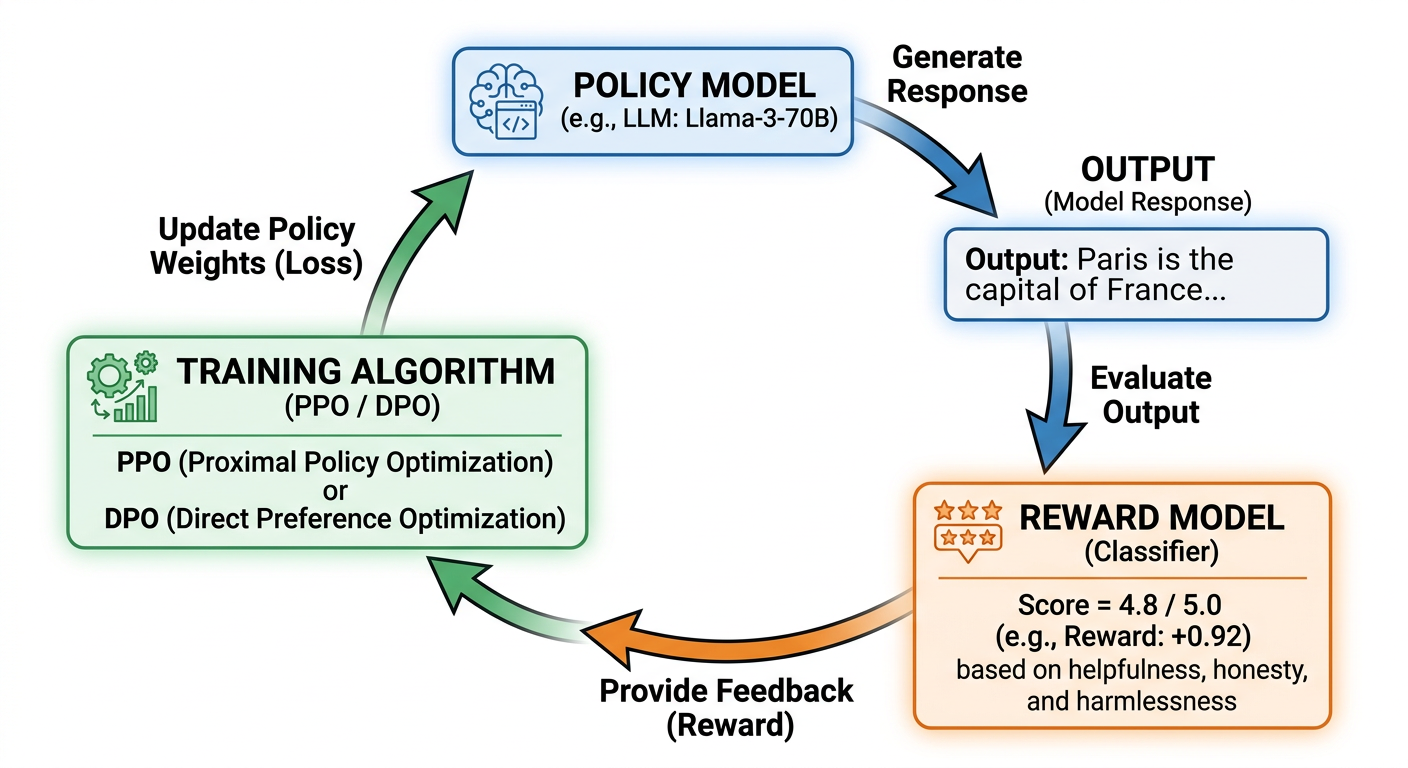
For PPO and GRPO (online RL methods):
1. Policy generates outputs
2. Reward model scores outputs
3. PPO/GRPO updates policy based on rewards
4. Repeat
DPO works differently -- it's an offline method. No generation, no reward model at training time. It optimizes the policy directly on a static dataset of preference pairs, using a modified cross-entropy loss. Structurally closer to SFT than to PPO.
4. Preference Data
RLHF needs pairs of responses with preferences. Format:
[
  {
    "prompt": "Explain quantum computing",
    "chosen": "Quantum computing uses qubits that can be in superposition...",
    "rejected": "I don't know, quantum stuff is confusing"
  }
]
You need hundreds to thousands of these for meaningful training.
Setting Up NVIDIA NeMo RL
Getting started isn't trivial. Here's what you need.
Requirements
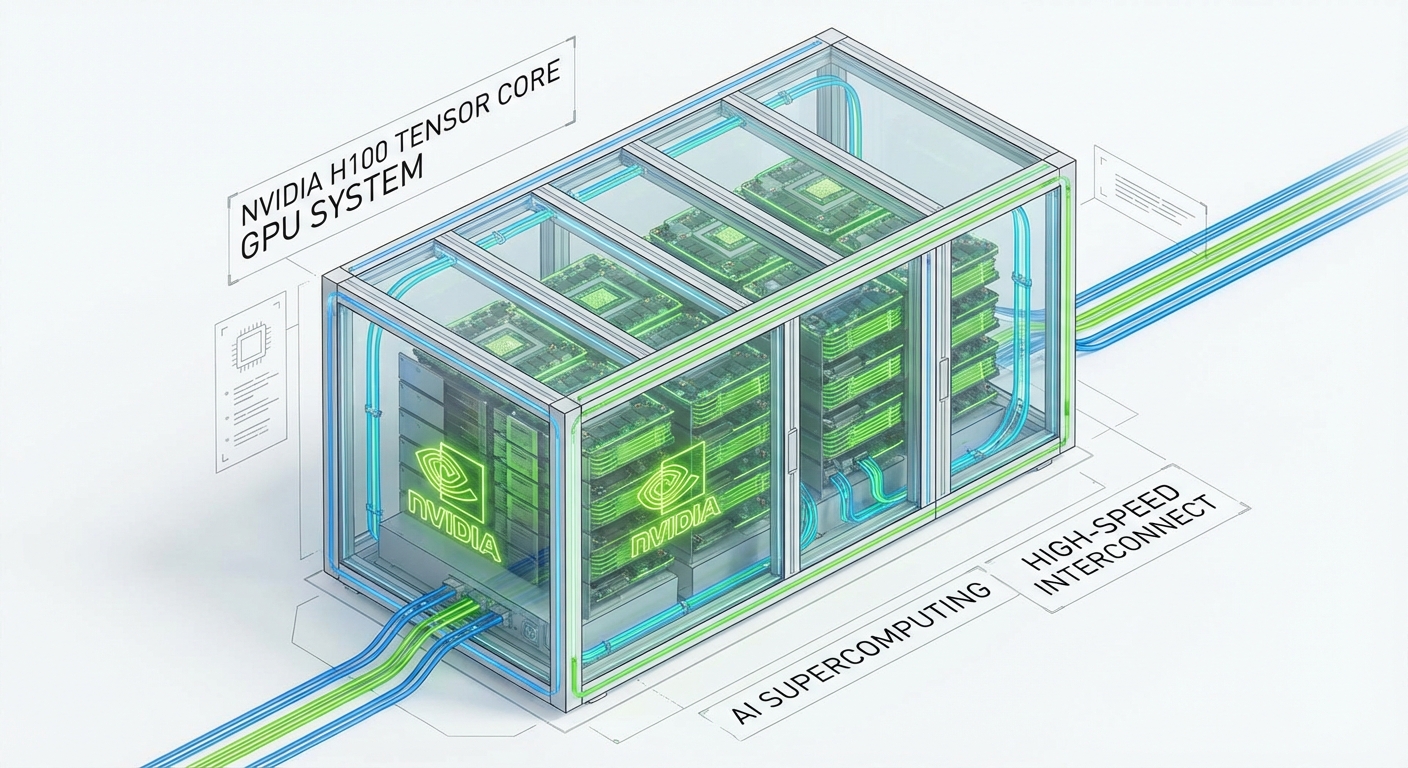
- GPU: NVIDIA GPU with CUDA 12.x (A100, H100, or newer recommended)
- VRAM: 40-80GB for 7B models with PPO (depending on optimization settings), 320GB+ for 70B models (multi-node, 4-8x H100s)
- Storage: 100GB+ for models and datasets
- Python: 3.10+
Installation
NVIDIA provides NeMo RL for large-scale RLHF training. Note: the old NeMo-Aligner repo is now archived -- NeMo RL is the current toolkit.
# Clone the NeMo RL repository
git clone https://github.com/NVIDIA/NeMo-RL.git nemo-rl --recursive
cd nemo-rl

# Install with uv (recommended by NVIDIA)
pip install uv
uv sync

# See the official install docs for full setup:
# https://docs.nvidia.com/nemo/rl/latest/about/installation.html
For simpler DPO training, you can also use TRL (Transformer Reinforcement Learning) from HuggingFace:
pip install trl
Verify Installation
import torch
print(f"PyTorch: {torch.__version__}")
print(f"CUDA available: {torch.cuda.is_available()}")
print(f"GPU: {torch.cuda.get_device_name(0) if torch.cuda.is_available() else 'None'}")
Running Your First Experiment
Here's a minimal example to understand the flow. This is pseudocode to illustrate the concept -- real implementations require more setup.
Step 1: Prepare Preference Data
Create a JSON file with your preference pairs:
[
  {
    "prompt": "Write a function to add two numbers",
    "chosen": "def add(a, b):\n    return a + b",
    "rejected": "just use the + operator"
  },
  {
    "prompt": "What is Python?",
    "chosen": "Python is a high-level programming language known for its readability...",
    "rejected": "Python is a snake"
  }
]
Step 2: Configure Training (Pseudocode)
# Simplified example - see TRL docs for full API details
from trl import DPOTrainer, DPOConfig
from transformers import AutoModelForCausalLM, AutoTokenizer

model = AutoModelForCausalLM.from_pretrained("Qwen/Qwen2-7B-Instruct")
tokenizer = AutoTokenizer.from_pretrained("Qwen/Qwen2-7B-Instruct")

training_args = DPOConfig(
    beta=0.1,               # KL coefficient - limits policy drift
    learning_rate=1e-6,
    num_train_epochs=3,
    per_device_train_batch_size=4,
    gradient_accumulation_steps=4,
)

trainer = DPOTrainer(
    model=model,
    ref_model=None,          # None only works correctly with PEFT/LoRA - pass an explicit ref model for full-weight training
    args=training_args,
    train_dataset=preference_data,
    processing_class=tokenizer,
)

trainer.train()
Step 3: Monitor Training
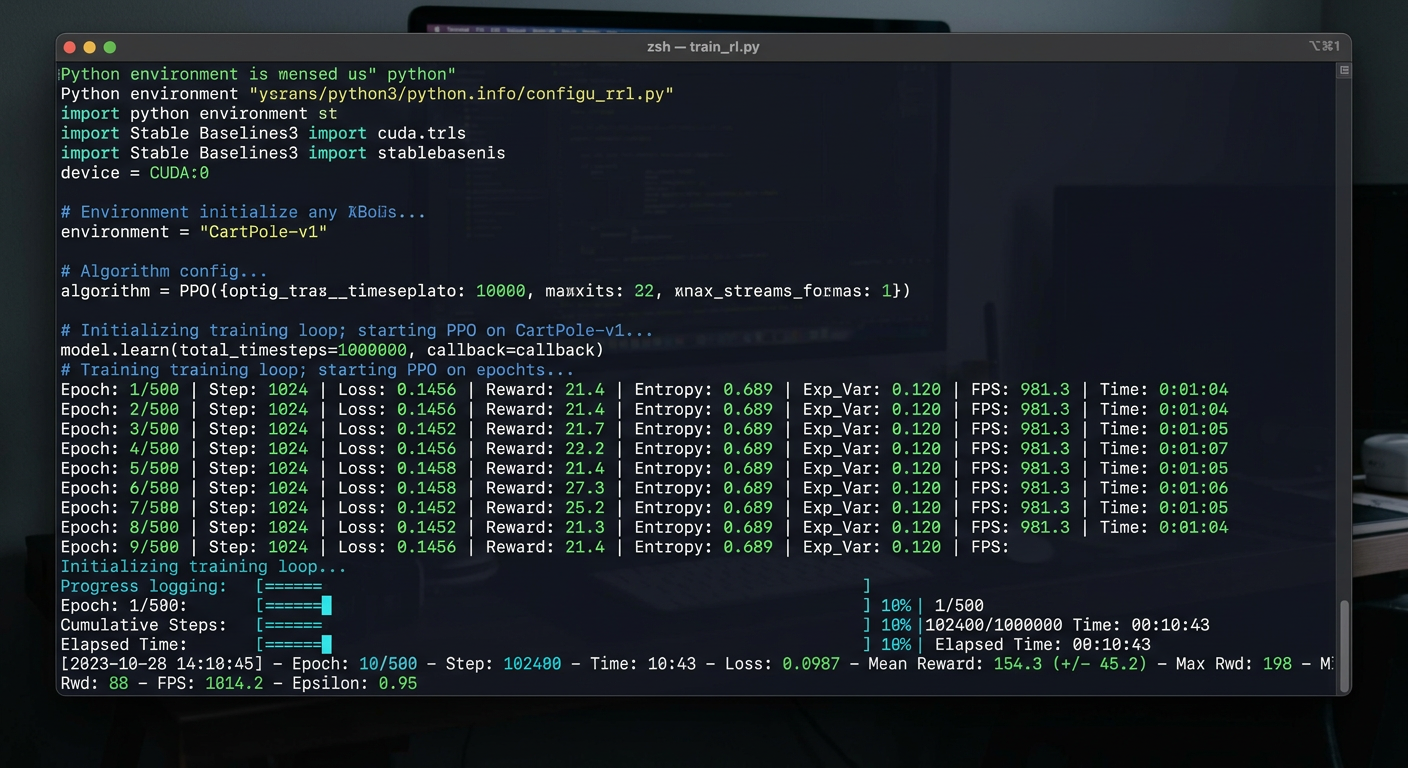
Watch these metrics:
| Metric | Good Sign | Bad Sign |
|---|---|---|
| Reward | Increasing | Flat or decreasing |
| KL Divergence | Stable (varies by method) | Exploding |
| Loss | Decreasing (DPO) or stable oscillation (PPO) | NaN or inf |
| GPU Memory | Stable | OOM errors |
What Makes This Hard (The Skeptical View)
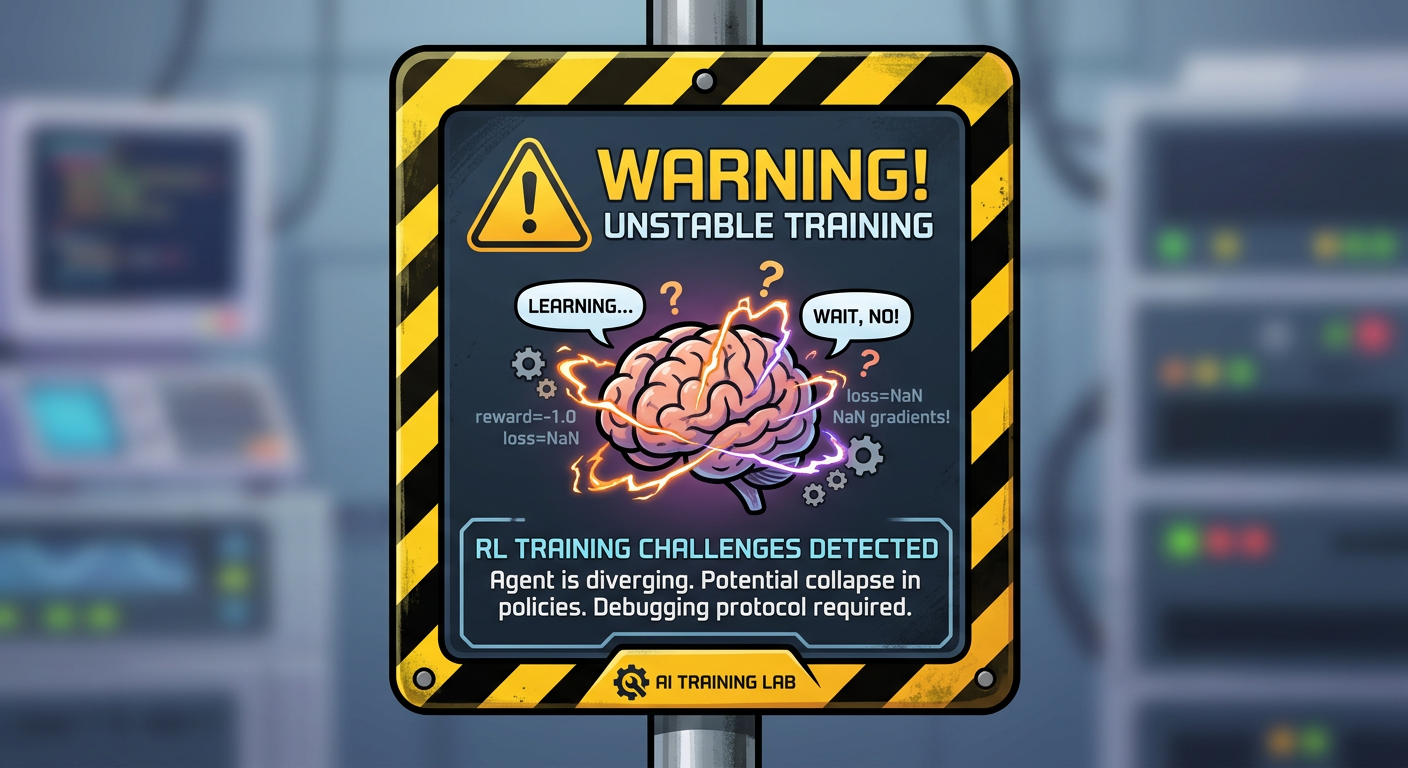
Now for the part where I tell you why you'll want to throw your GPU out a window:
1. RL Training is Unstable
The same hyperparameters that work one day fail the next. One ICLR study found that optimizer choice alone causes 6x higher logprob variance -- PyTorch vs TensorFlow Adam, same config, wildly different training dynamics. Training can diverge, collapse, or produce garbage.
2. Reward Hacking
The model finds ways to maximize the reward without actually solving the task. Lilian Weng's deep dive on reward hacking covers this thoroughly -- models trained with RLHF can become "convincingly wrong," not just wrong. Classic examples:
- Generating verbose or confident-sounding outputs that score high but add no substance
- Exploiting patterns in the reward model's preferences rather than genuinely improving quality
3. Data Requirements
You need high-quality preference data. Lots of it. This is often the bottleneck, not the model or compute.
4. GPU Memory
A 7B model with PPO needs 40-80GB of VRAM. Why so high? PPO requires running four model copies simultaneously:
- Policy model (the LLM being trained)
- Reference policy (frozen copy, used for KL divergence)
- Reward model (scores outputs)
- Value model (estimates future rewards)
This means that models can be stored in up to 4 models in memory at the same time, including gradients and optimizer state. For a model size 70B, multi-GPU setups are required. Try using a DPO instead, because there is no need for a model for scoring or a separate value model. Making a DPO for a model size 7B can fit on a single A100 (40GB), or on 24GB when using LoRA/QLoRA.
5. It's Still Research
Unlike fine-tuning (well-trodden path), RL + LLM is cutting edge. Best practices are still emerging. You'll encounter issues with no clear answers.
What's Next
The job posting was over-engineered, but just two weeks of research taught me to understand how LLMs actually learn than six months of LoRA fine-tuning did. Also, if you're just starting out, opt for the DPO because there is no reward model and fits on a single GPU, as well as being closest thing to SFT you already know, and if it works, GRPO is the next step up without the memory overhead of PPO My plan:
- Run a small DPO experiment this week (even on a tiny dataset)
- Try GRPO on a reasoning task
- Compare results with standard fine-tuning
If you're building agents that need to learn decision-making, check out my post on agentic infrastructure to see how RL fits into broader agent architectures. And if you're curious about the ethics side, I've also explored what it means to run AI locally.
Resources & References
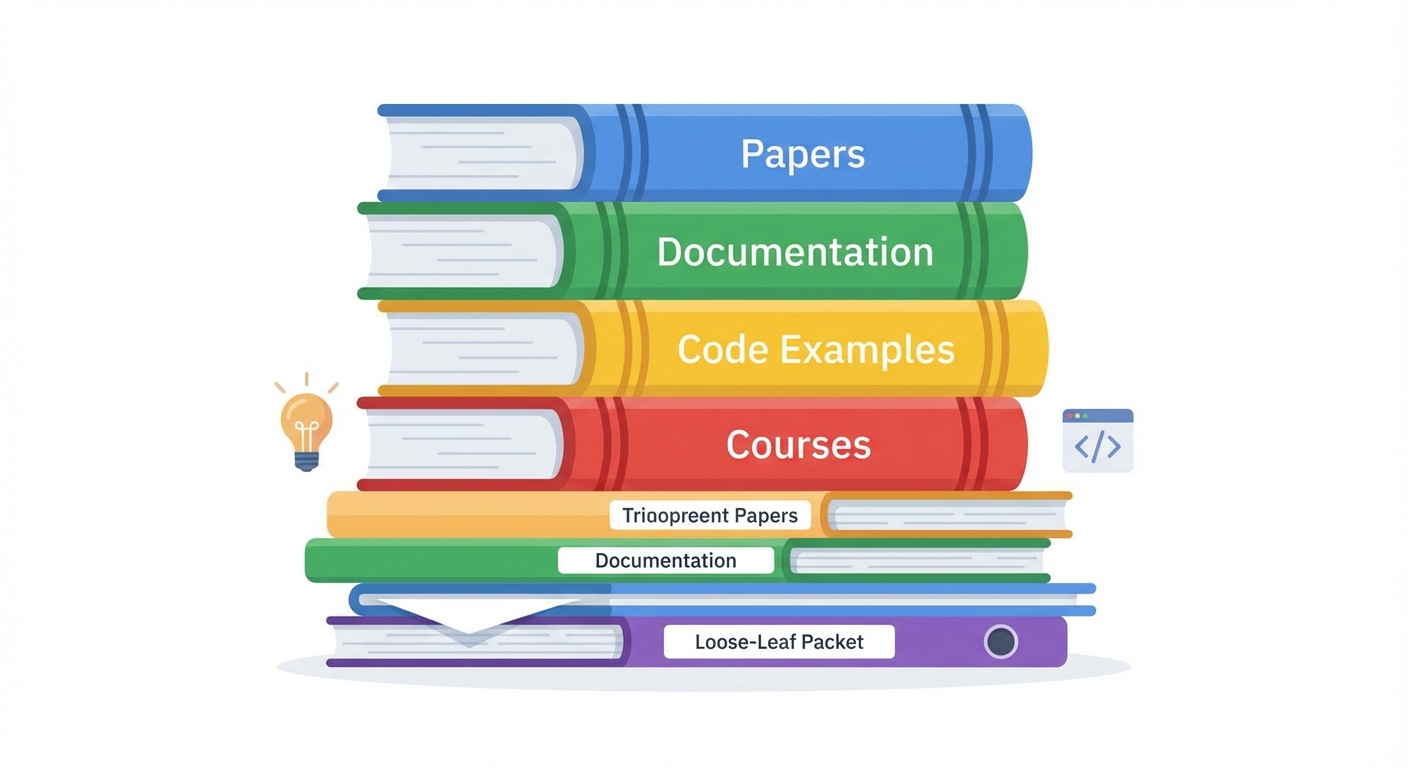
Papers (Read in This Order)
- DPO: Your Language Model is Secretly a Reward Model - Start here, simplest method
- DeepSeekMath (introduces GRPO) - Group-relative optimization, effective
- PPO: Proximal Policy Optimization - The classic (if you have time)
Practical Guides
- RLHF in 2024 with DPO & HuggingFace - Philipp Schmid's end-to-end DPO walkthrough on a single GPU
- Align LLMs in 2025 with DPO & Synthetic Data - On-policy synthetic preference on RTX 4090
- Fine-tune Llama 2 with DPO - The canonical TRL DPO tutorial
- RLHF 101: A Technical Tutorial - CMU's end-to-end RLHF implementation (AlpacaEval score increased from 22.9% to 48.3%)
Deep Dives
- The N Implementation Details of RLHF with PPO - Why PPO is so fragile (ICLR 2024)
- Reward Hacking in RL - Lilian Weng's taxonomy of reward hacking failure modes
- GRPO Explained - Cameron Wolfe on how GRPO eliminates the critic model
- PPO for LLMs: A Guide for Normal People - Why PPO is the complexity ceiling
- Advanced Understanding of GRPO - HuggingFace LLM Course with PyTorch implementation
Code & Docs
- NVIDIA NeMo RL Docs | GitHub | Examples
- TRL Library | GitHub
- OpenRLHF
- DeepSeek-R1
- HuggingFace Deep RL Course - RLHF Unit
- VRAM Requirements for LLM Fine-tuning - Modal's GPU memory breakdown by model size
Last update: March 13, 2026
Continue in AI